Skip to content
MatchBeats

See it in action

A walk through the real thing

Every screen below is the live product — the same board your crew would run on Saturday.

A board built around match situations

Sounds grouped the way a match unfolds: goal, penalty, timeout, sponsor. Your operator thinks in moments, not filenames.

  • Label and colour-code by situation
  • Trim long tracks to the seconds you use
  • Fade in, fade out, duck under the announcer
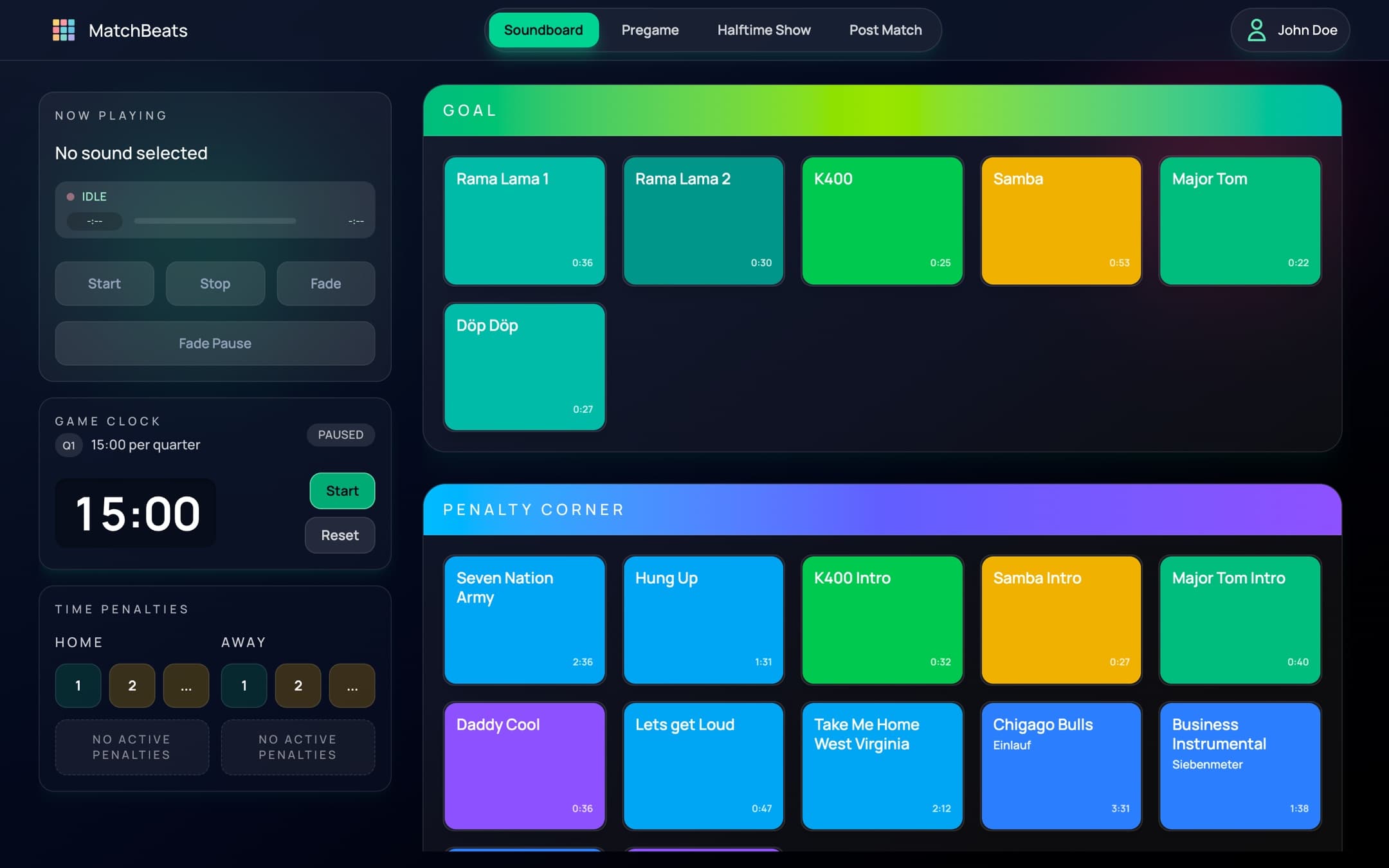
The MatchBeats soundboard with clips grouped by match situation

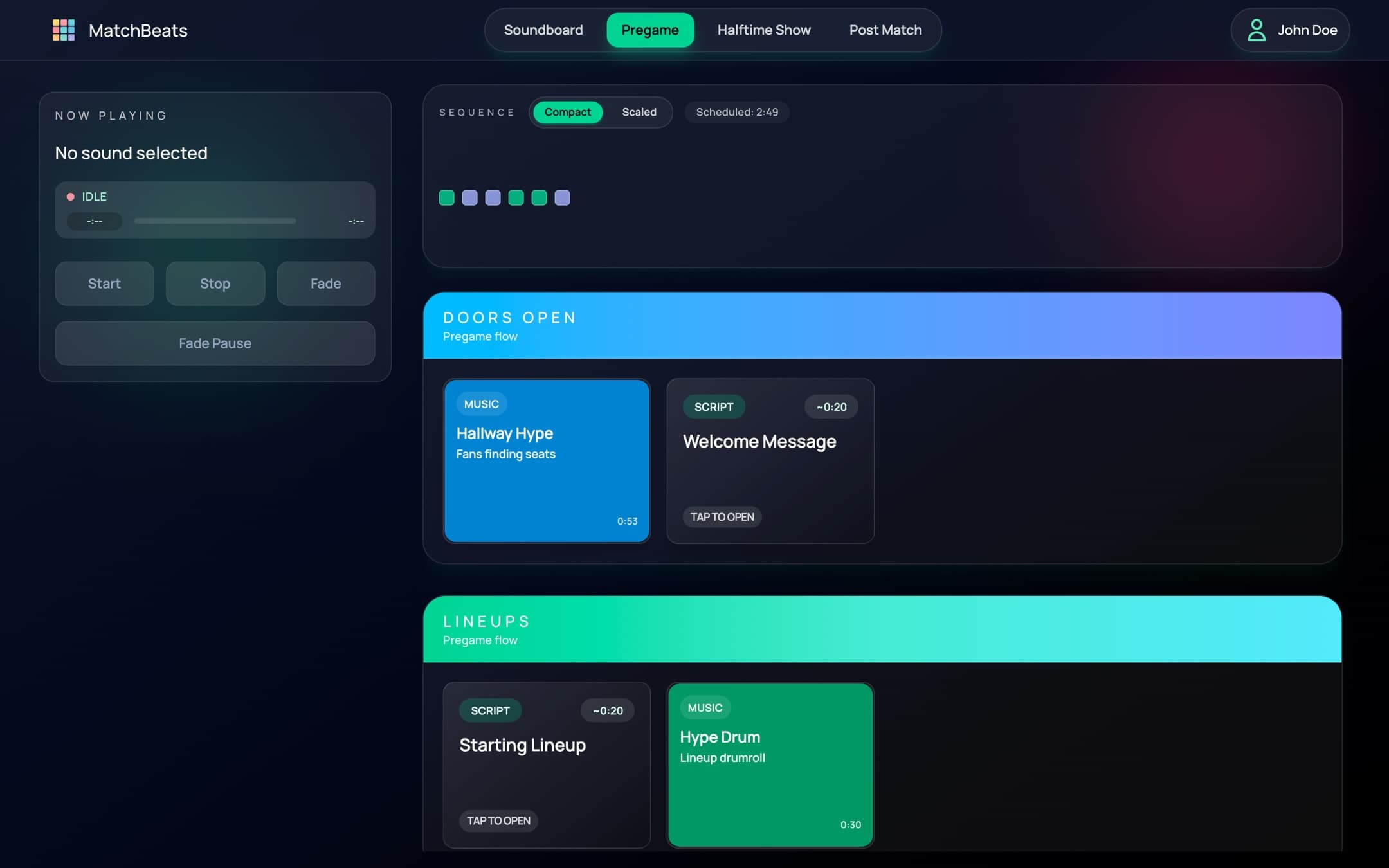
The run-of-show, written down

Plan the sequence once. Every volunteer who sits in the booth after you knows exactly what comes next.

  • Ordered blocks for each phase
  • Sponsor reads scheduled so none get missed
  • Shared across the crew, not one laptop
The MatchBeats matchday planner showing an ordered run-of-show

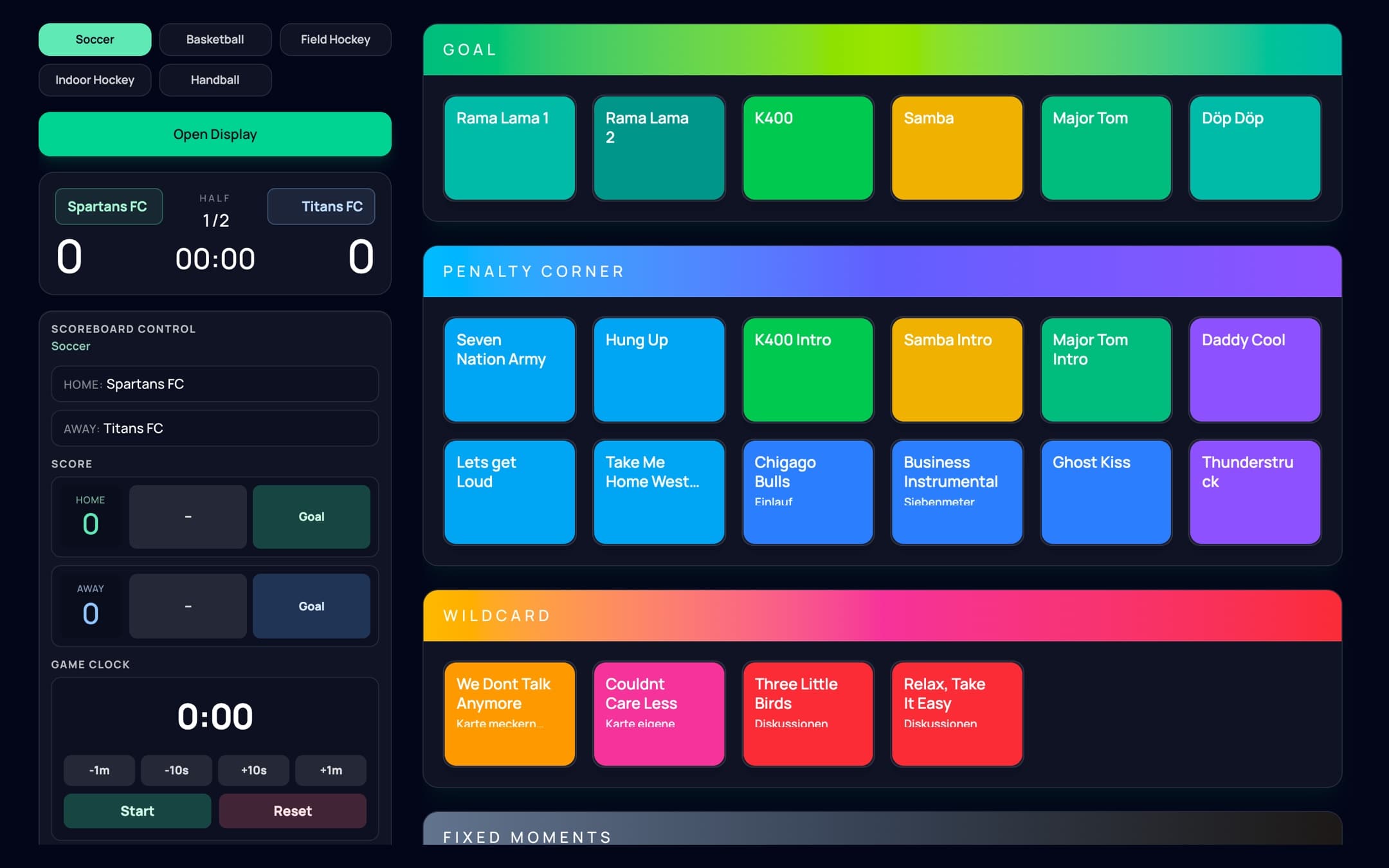
Clock and scoreboard in one place

The game clock sits next to the audio, so halftime cues land on time and the display your crowd sees never drifts.

  • Period tracking with penalty countdowns
  • Live scoreboard for a second screen
  • Halftime block that starts itself
The MatchBeats game clock and live scoreboard controls

How it works

Three steps to matchday

Most clubs run their first live match the same week they sign up.

  1. 1

    Build your board

    Upload your goal songs, chants and sponsor spots. Trim them, label them by match situation, lay them out the way your operator thinks.

  2. 2

    Plan the run-of-show

    Warm-up, line-ups, halftime, sponsor reads. Everything in order, so nobody hunts for a file at 2-2 in the 88th.

  3. 3

    Run the match

    Start the clock and work the board. Cues fire the moment you tap them, and the plan you wrote keeps everyone in step.

Full video walkthroughComing soon

Your next home match is already on the calendar.

Start free, build your board this week, run the whole thing from one screen on Saturday.